Got a call booked in?Meet Pearl.
A pre-call prep skill for your own AI account. Tell Pearl what you know about the person, and get a one-page note to read before you say hello.
Get Pearl, £17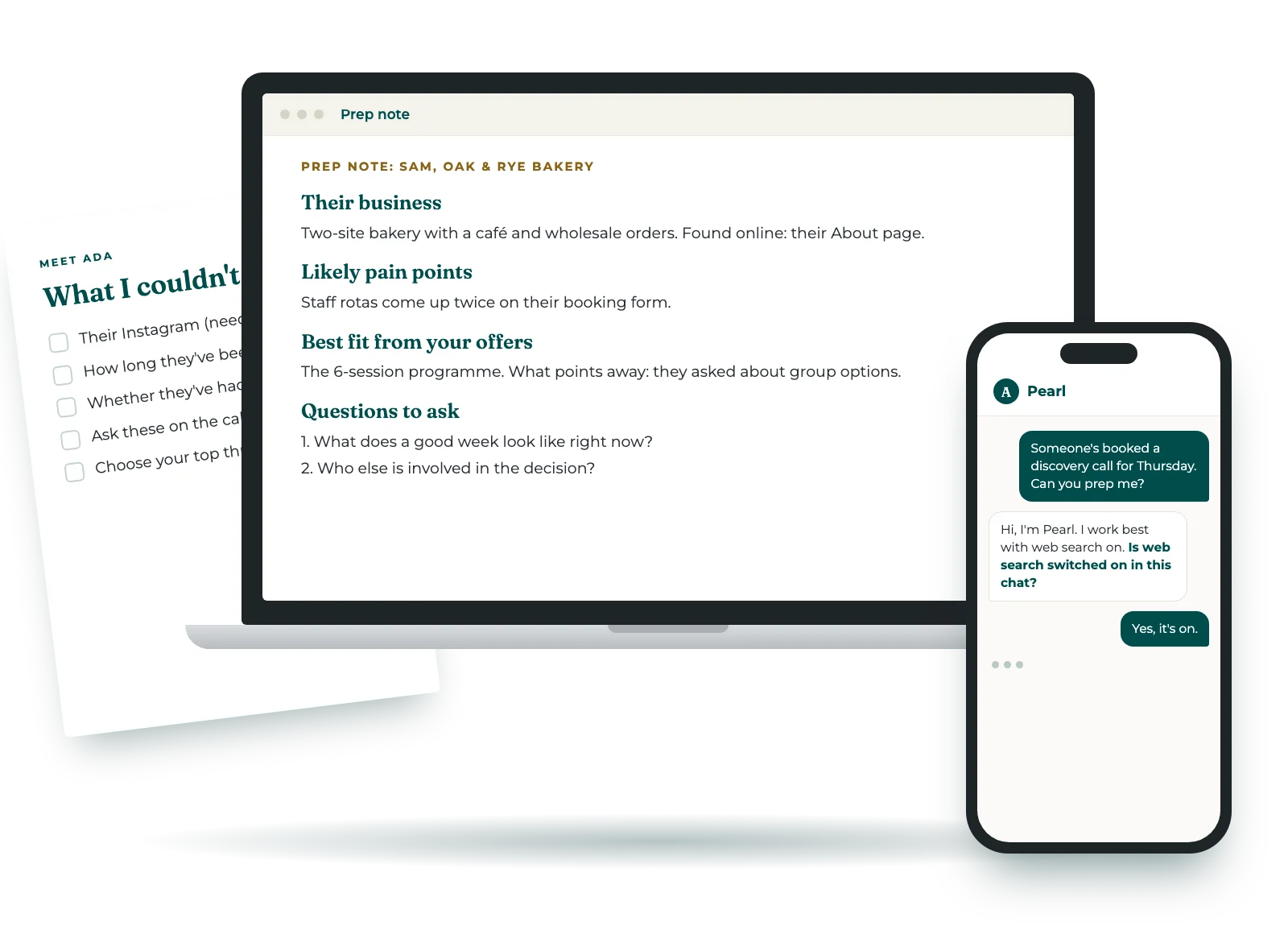
Someone's booked a discovery call. You meant to look them up properly, and now it's five minutes before and you're skimming their website with the call link already open.
Pearl looks at what's public about them and turns it into a one-page prep note in plain text. You get a short summary of their business and the questions worth asking, and every point says where it came from. It takes a few minutes, and you can run her again for every call.
Pearl looks at your prospect's website and public profiles, so please check that web search is switched on in your AI tool before you start. If it's off, Pearl can still help from what you paste in, but the note will have more gaps.
LinkedIn and Instagram often won't open without signing in. When that happens, Pearl asks you to paste the bio.
If you cannot find it, say so.
How it works
- The first time, tell Pearl what you sell. She gives you an offers note to keep, and next time you paste it in so she skips those questions.
- Paste their booking form if you have one, along with any links to their website or profiles. Add anything you know that isn't on the form, like who introduced you.
- Pearl looks at what's public and writes your prep note. Read it once, pick your top questions, and go into the call ready.
- Someone's booked a discovery call for Thursday. Can you prep me?
- Hi, I'm Pearl. I work best with web search switched on in your AI tool. Is web search switched on in this chat, or would you like me to work only from what you paste in?
- It's on. Here's my offers note from last time.
- Do you have a booking or enquiry form from this person? Paste whatever they filled in, or say no.
- Here's the form. Her website is on it.
- Your prep note SummaryHer business in a few lines, with sources Best fitOne of your offers, and what points away from it Not foundTwo things to ask her on the call Before your call, choose your top three questions.
What you need
- An AI account where you can add skills, such as Claude, ChatGPT or Gemini.
- Web search switched on. This is the important one. Pearl looks at their website and public profiles through web search. If it's off, she can still work from what you paste in, but the note will have more gaps.
- A few minutes the first time, to tell Pearl what you sell. After that, paste your offers note at the start of a new chat and she skips those questions.
What to expect
- When a page won't open, Pearl says so and asks you to paste the bio. She never tries to get round a sign-in.
- She uses public, professional information only and leaves out anything personal.
- Pearl never makes things up. Anything she couldn't find is listed in the note, so you know what to ask on the call.
- She doesn't write emails or book calls. Her job is getting you ready.
Know who you're talking to
before you say hello.
Where it lives
Pearl runs in your own AI account, so your notes on the people you speak to stay with you.
She doesn't save anything between chats, so copy each prep note and your offers note somewhere you'll find them.
It works in Claude, ChatGPT and Gemini, and you'll get setup steps for each one.
Questions
- How do I switch on web search?
- It's in your AI tool's settings, usually called web search or browsing. Pearl checks in her first message and talks you through it if you're not sure.
- What if I don't have a booking form?
- Give her their name and business, or a link. If all you have is a name, Pearl asks for one more detail rather than guess between people who share it.
- Can I use it for every call?
- Yes. Start a new chat for each person and paste your offers note at the top.
- Can I use Pearl for my clients' calls?
- Pearl is licensed for your business's own work, including by your employees and contractors. It can't be shared outside your business, resold or used to deliver work for clients. The licence is in our terms.
- What if it doesn't work for me?
- If it doesn't install, or doesn't do what this page says, email us within 14 days and we'll fix it or refund you.
Get Pearl
- Pearl, a skill for Claude, ChatGPT or Gemini
- A one-page prep note in plain text, for every call you run her for
- An offers note to keep, so the setup questions only happen once
- Needs web search switched on in your AI tool
Secure checkout through Stan, with payment by Stripe. Your download link arrives straight away by email. Privacy notice · Terms.
Who's behind Pearl
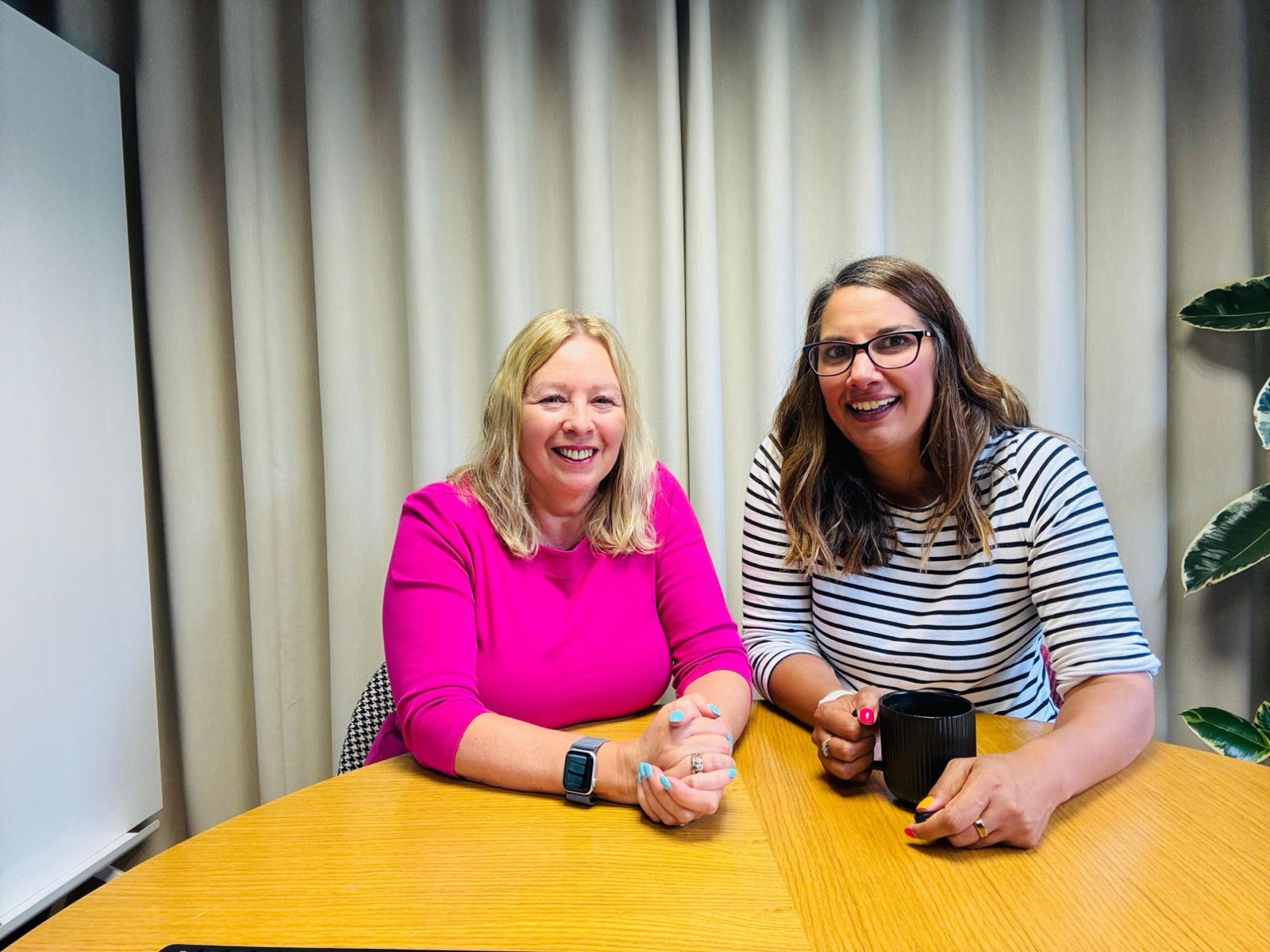
We're Jacqueline Leake and Nina Mistry, the two halves of Meet Ada. Jacqueline is an AI specialist and trainer who spends her days inside clients' accounts, seeing what's sitting in their heads that should be written down. Nina builds the tech. She takes what Jacqueline pulls out of people's heads and turns it into tools that bloody work. Simple ones. The kind you'll actually come back to.